
Reassign an Unused Assessment
Affiliate Dashboard
If a user does not take the assessment you sent them, you can reassign it to another person.
Watch: Reassigning an Unused Assessment
1
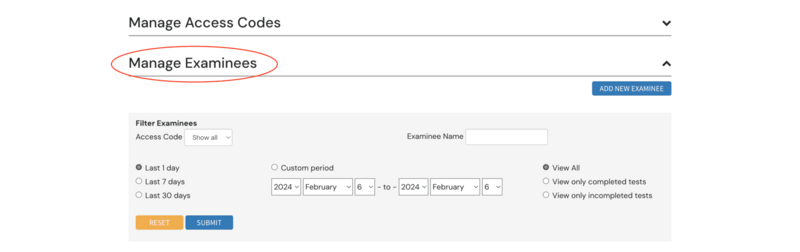
Open Manage Examinees
2
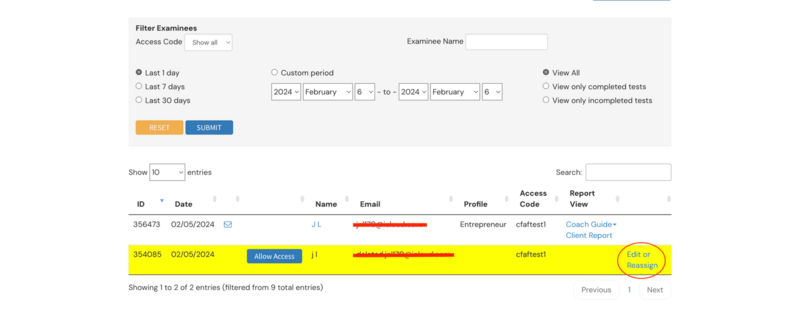
Select Edit or Reassign to the right of the examinee's name
3
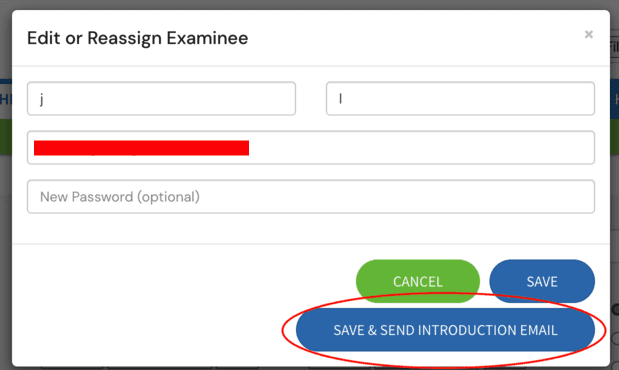
Enter the new recipient's name and email, then select Save & Send Introduction Email