

How to View an Examinee's Results
Affiliate Dashboard
Important
- An examinee is a user who uses an access code to access CareerFitter's Premium Dashboard and complete the career assessment.
- A career coach can only see the results of an examinee if the examinee used their access code to take the assessment.
- Using an access code requires the examinee to permit the coach to view their results. CareerFitter cannot transfer an examinee who took the free test and then paid.
- A coach can only view an examinee's results from their affiliate dashboard.
1
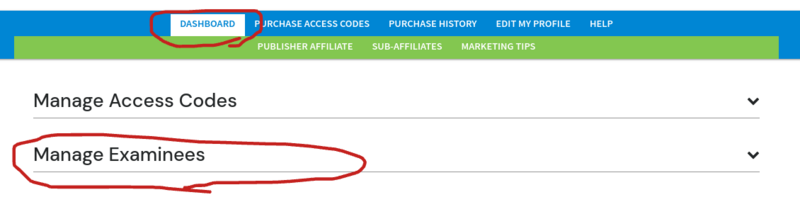
Go to Manage Examinees in your Affiliate Dashboard
2
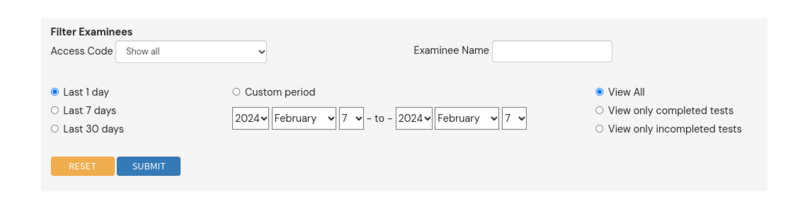
Filter Examinees to select the time period the examinee completed the assessment
3
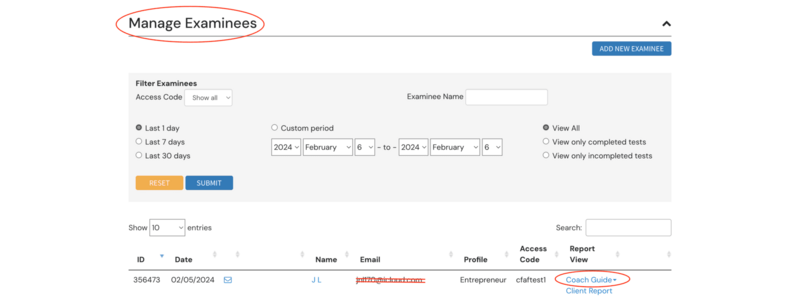
Select Coach Guide next to your examinee's name
4
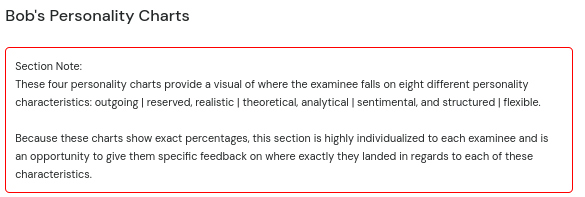
Review the coach version of your client's results
Section Notes appear in a red box at the top of most sections and are exclusive to coaches — your examinees cannot see these coaching tips.
5
Their careers are listed at the bottom — click any column title to sort by that value
