

Co-branding With Your Logo
Watch: Co-branding With Your Logo
1
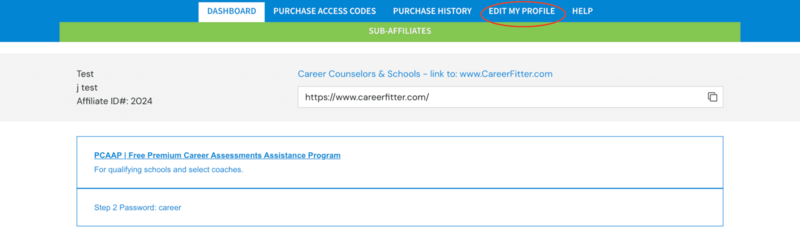
Select Edit My Profile
2
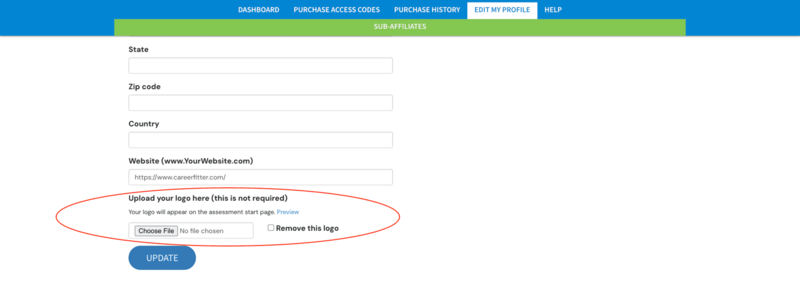
Scroll to the bottom of the form to Upload Logo
3
Select Choose File and pick your logo
4
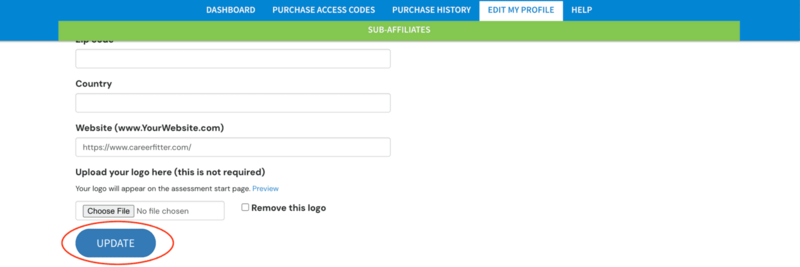
Select Update at the bottom of the form to save your changes